How To Withdaw Cash Pappa Coins
General Instructions
×![]()
Step 1: Download LOBSTR app
- For Android Visit Google Play Store and download the app LOBSTR Wallet
- For IOS, please visit Apple Appstore and download the app LOBSTR Wallet
Step 2: Run LOBSTR App
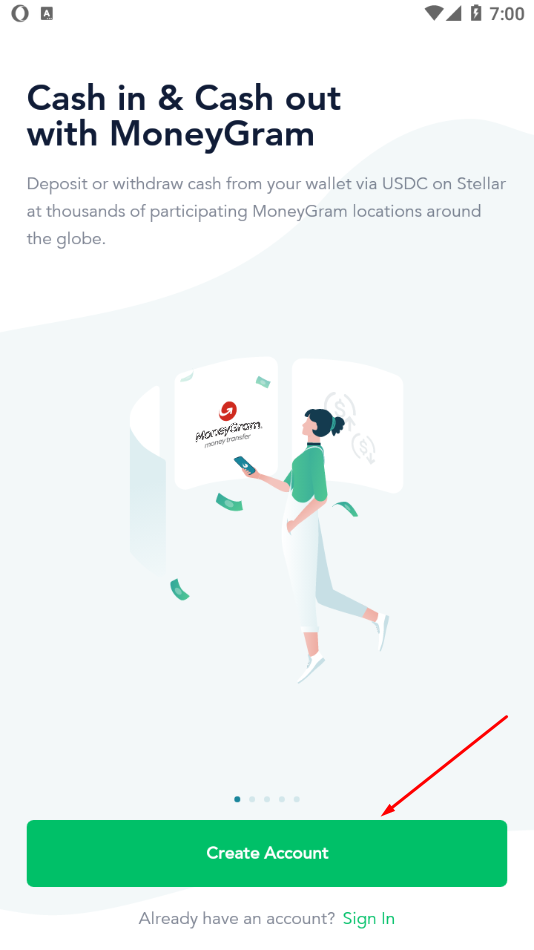
- Step 2a: Run the LOBSTR app, and click "Create Account".
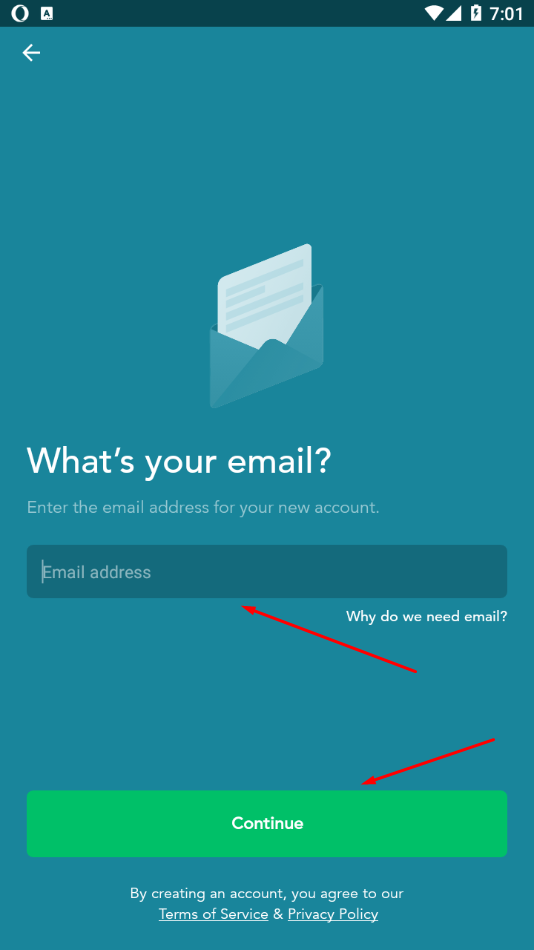
- Step 2b: Then provide your email address and click "Continue"
Step 3: Connect Stellar Account
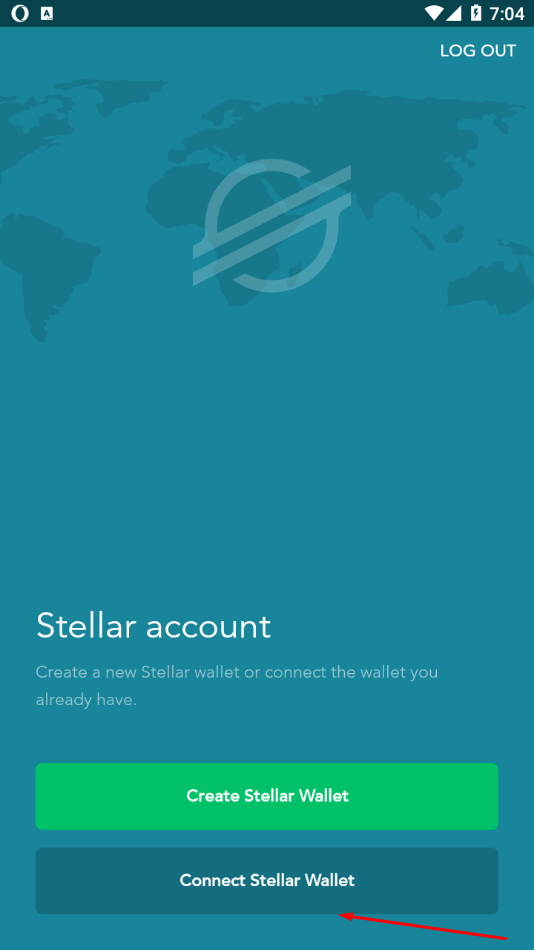
- Step 3a: At this step, click "Connect Stellar Wallet" button at the bottom.
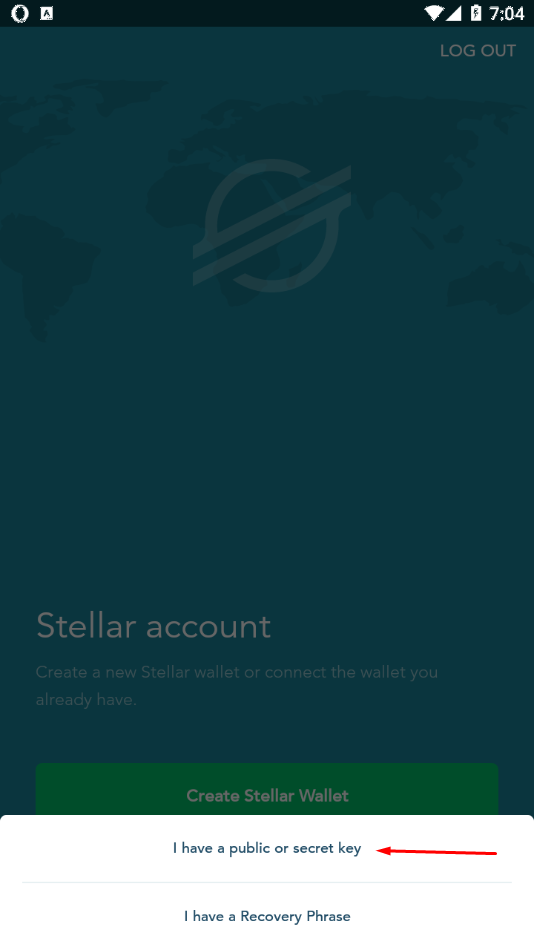
- Step 3b: Select "I have a public or secret key" when prompted.
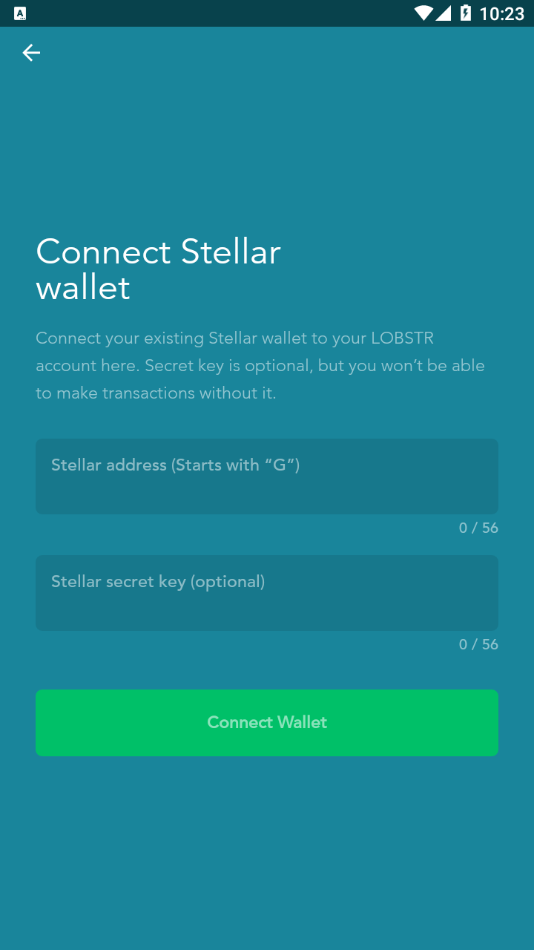
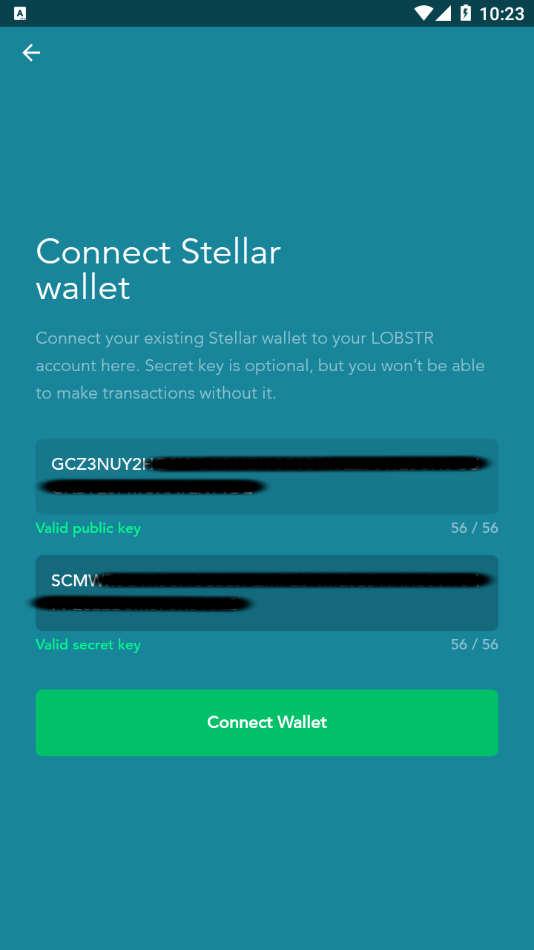
- Step 3c: Provide Stellar Address and the secret key. Stellar Address starts with "G" and is 56 characters. Stellar Secret Key starts with "S" and also is 56 characters. These 2 info should have been provided to you Cash Pappa application or email.
- Step 3d: Click "Connect Wallet".
Step 4: Access Your Account
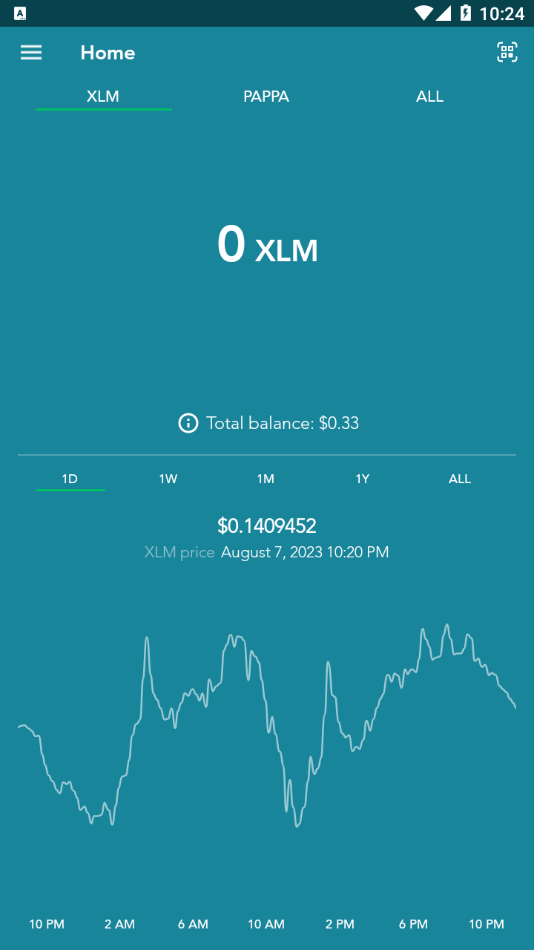
- Step 4a: At this stage, you have now accessed to your account and you can see your balance.
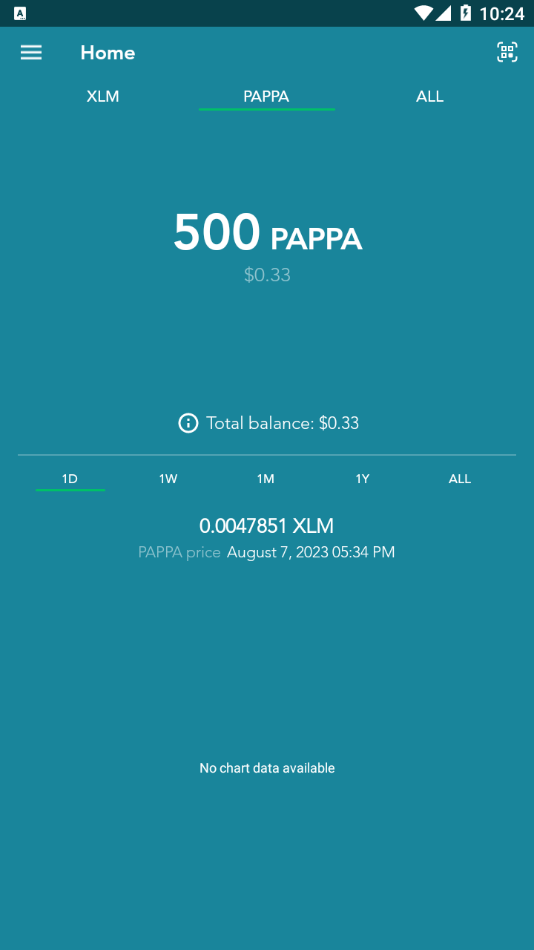
- Step 4b: Please click "Pappa" to see your Pappa Coin balance
Step 5: Swap Pappa coin to USDC Coin
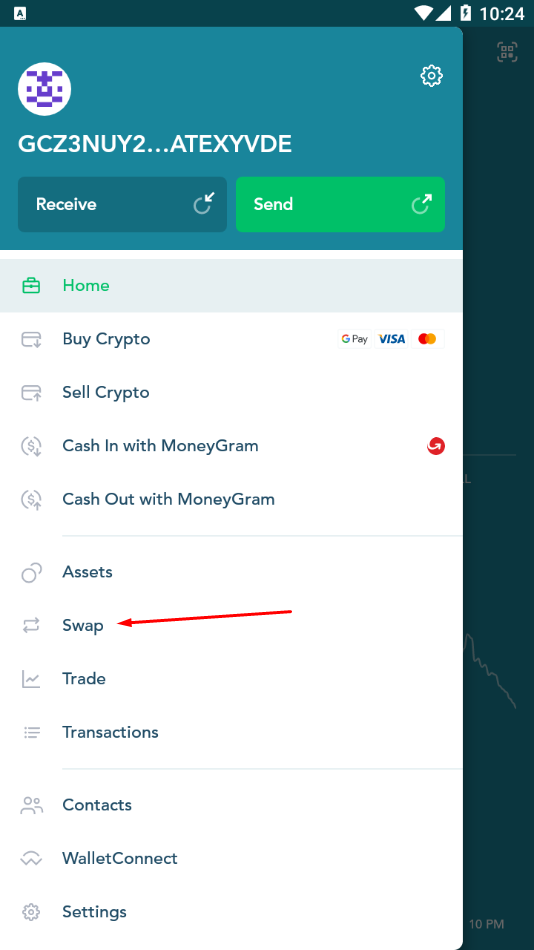
- Step 5a: As a next step, the Pappa Coin needs to be converted to USDC coin, so that you can withdraw from anywhere in the world. Click the top menu item, and then select Swap.
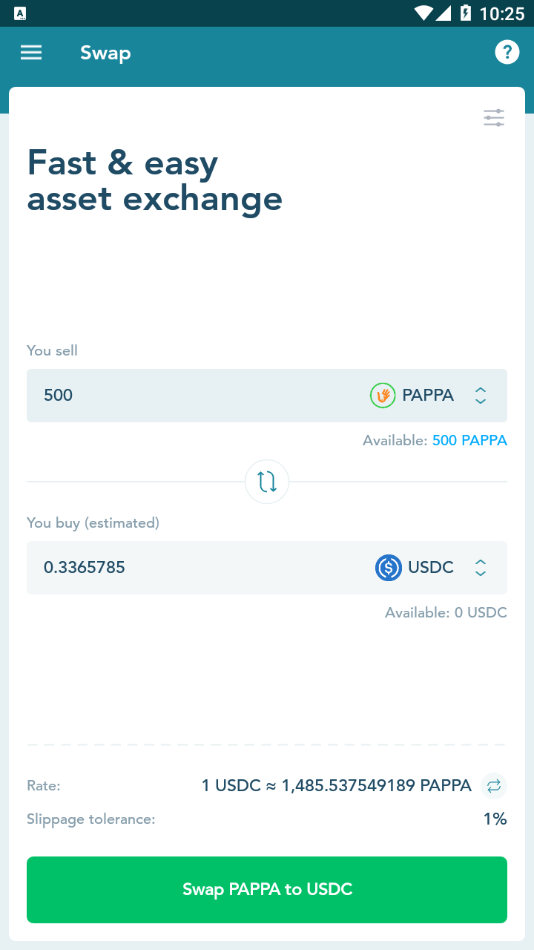
- Step 5b: Choose "Pappa" to sell, and "USDC" to buy. As the transfer requires minimum 1 USD, please make sure you sell enough "Pappa Coin" to buy mininum $1 worth of USDC. Click the button "Swap Pappa to USDC" to complete the operation. Now you have USDC coin in your wallet.
Step 6: Cash Out with MoneyGram
MoneyGram is a money transfer service that allows various payment methods including cash, credit, debit card or a bank account. Now, we'll cash out with MoneyGram to your bank account or other financial institutions which are near your location.
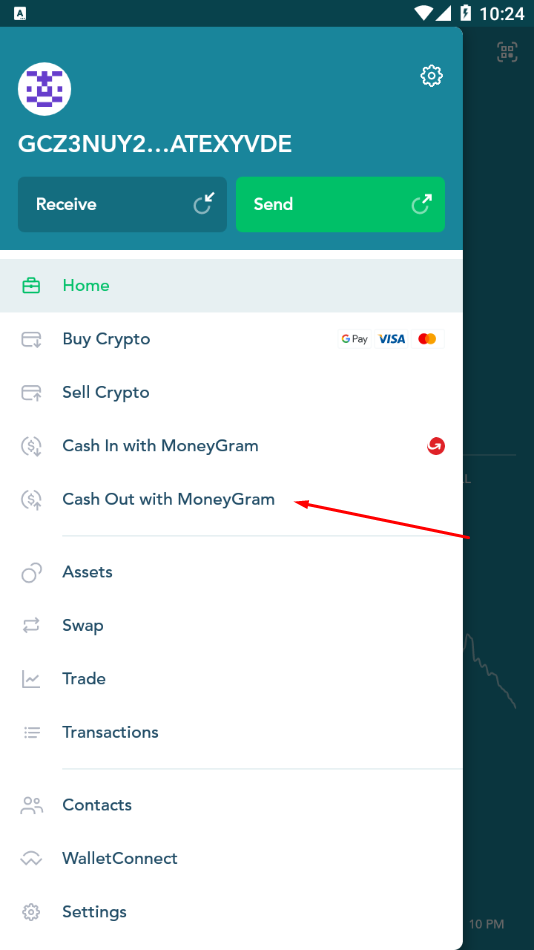
- Step 6a: Click again on the top menu item, and choose "Cash Out with MoneyGram".
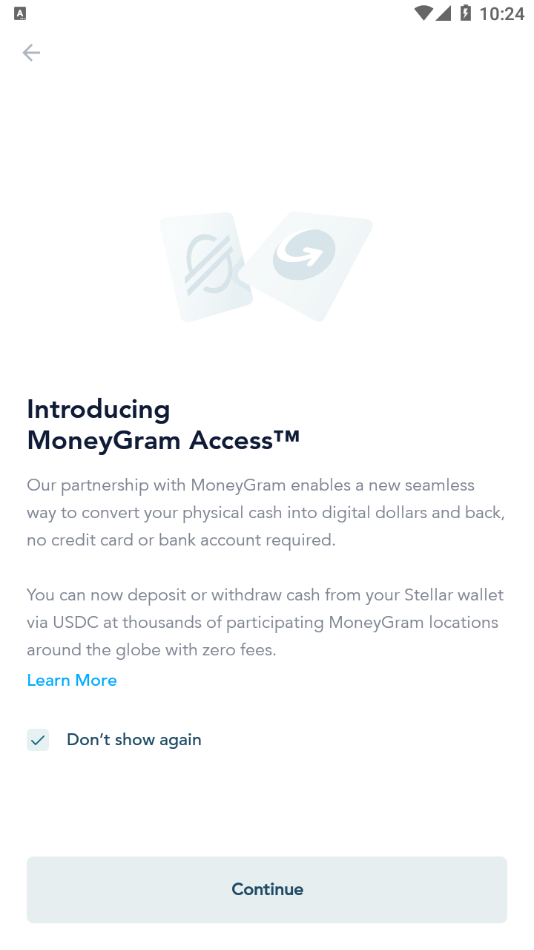
- Step 6b: At this stage, you're interacting with MoneyGram, and you'll follow the instructions per their process, which depends on the country you're residing and the selections you'll do. The following instructions are just a sample at this point. Click Continue in the "Introducing MoneyGram Access" page
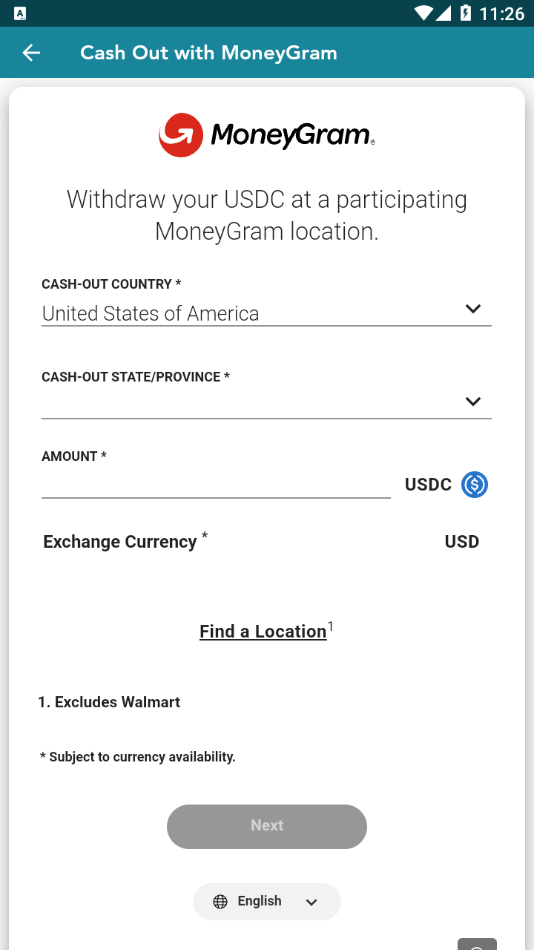
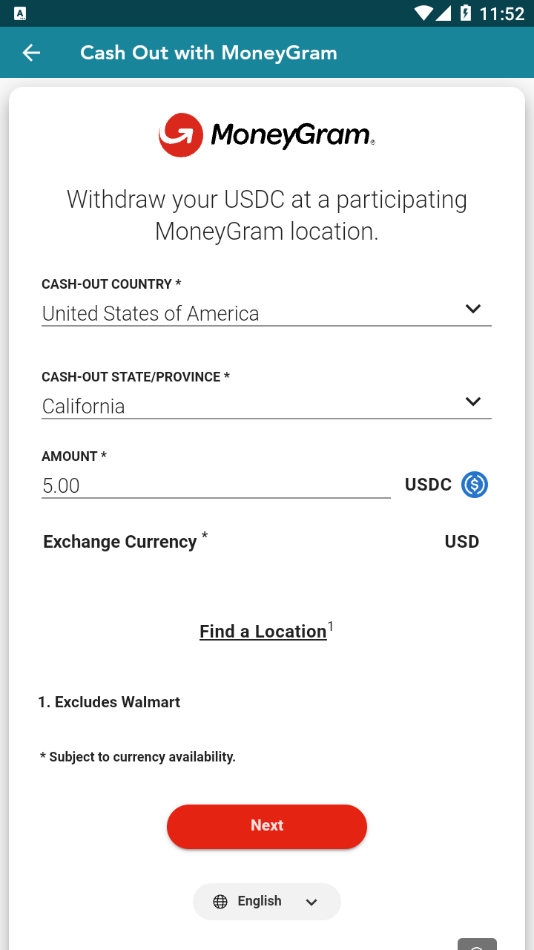
- Step 6c: Select "Cash-Out Country" and "Cash Out State" if applicable. Chose the amount of USDC you want to cash out. Please remember 1 USDC = 1 USD (1 Dollar). Click Next
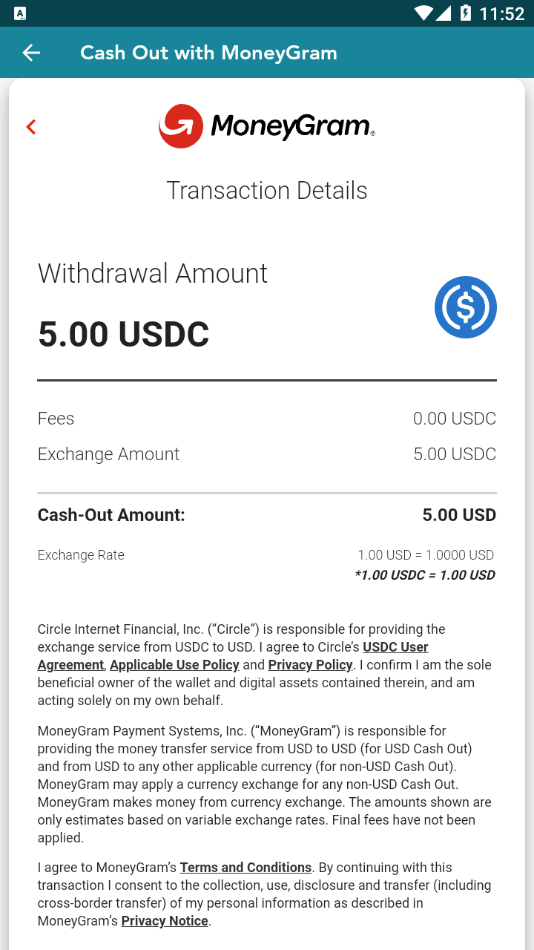
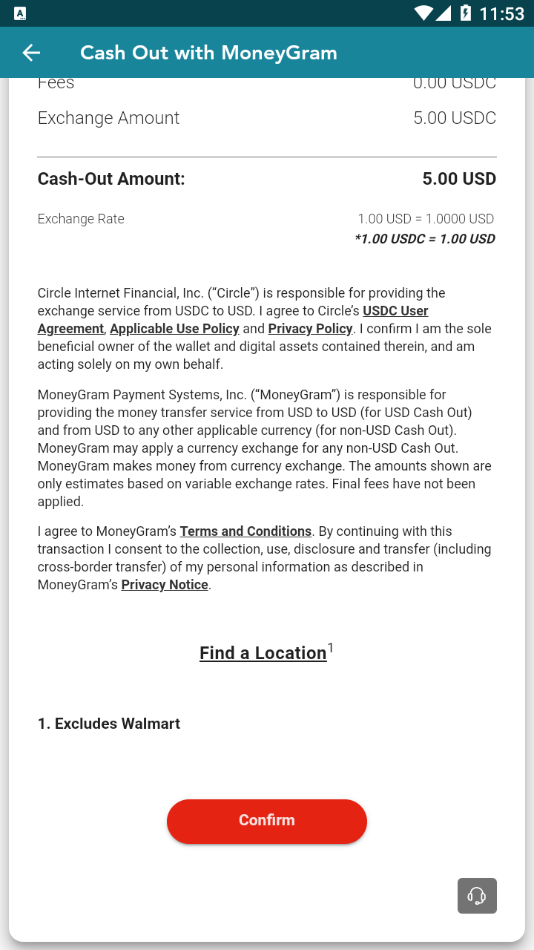
- Step 6d: Verify Transaction Details and click "Confirm".
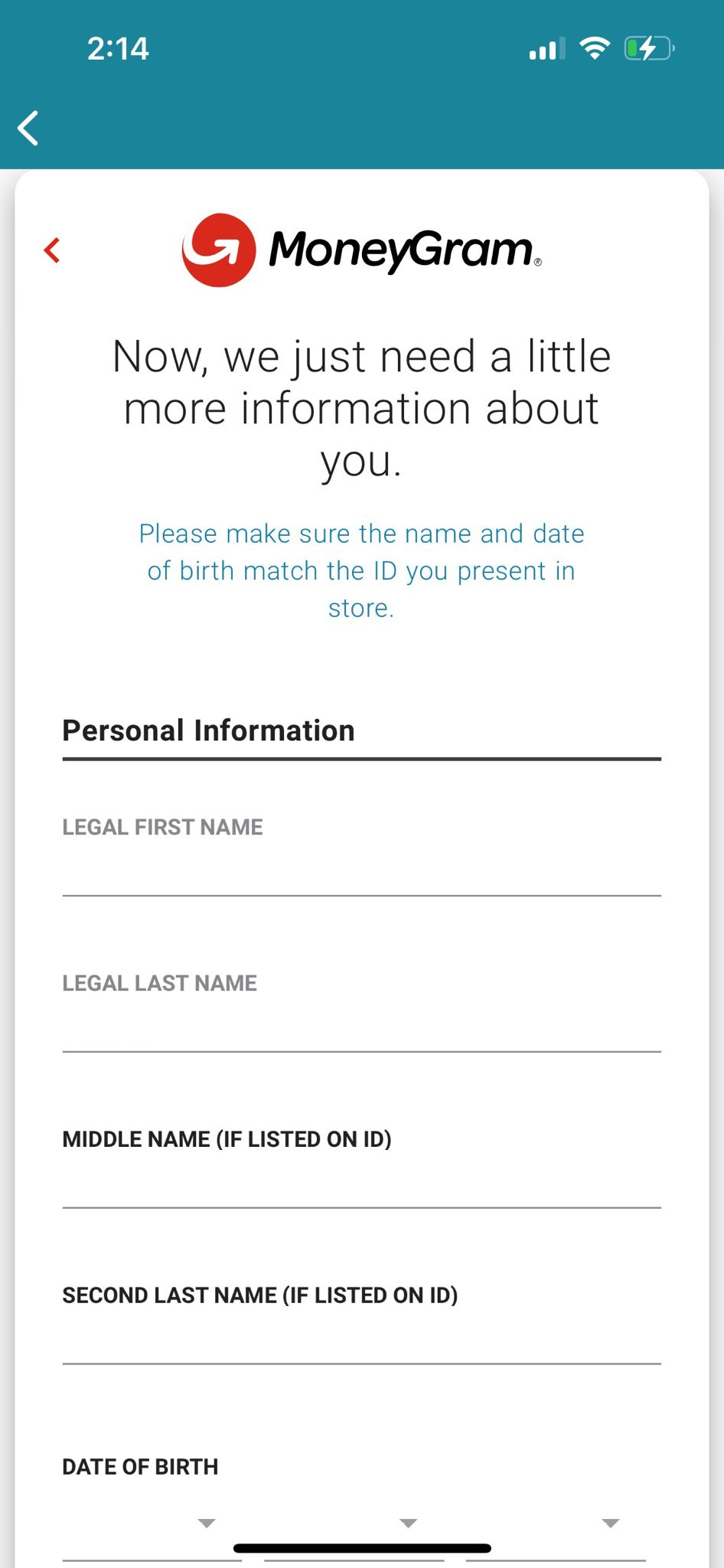
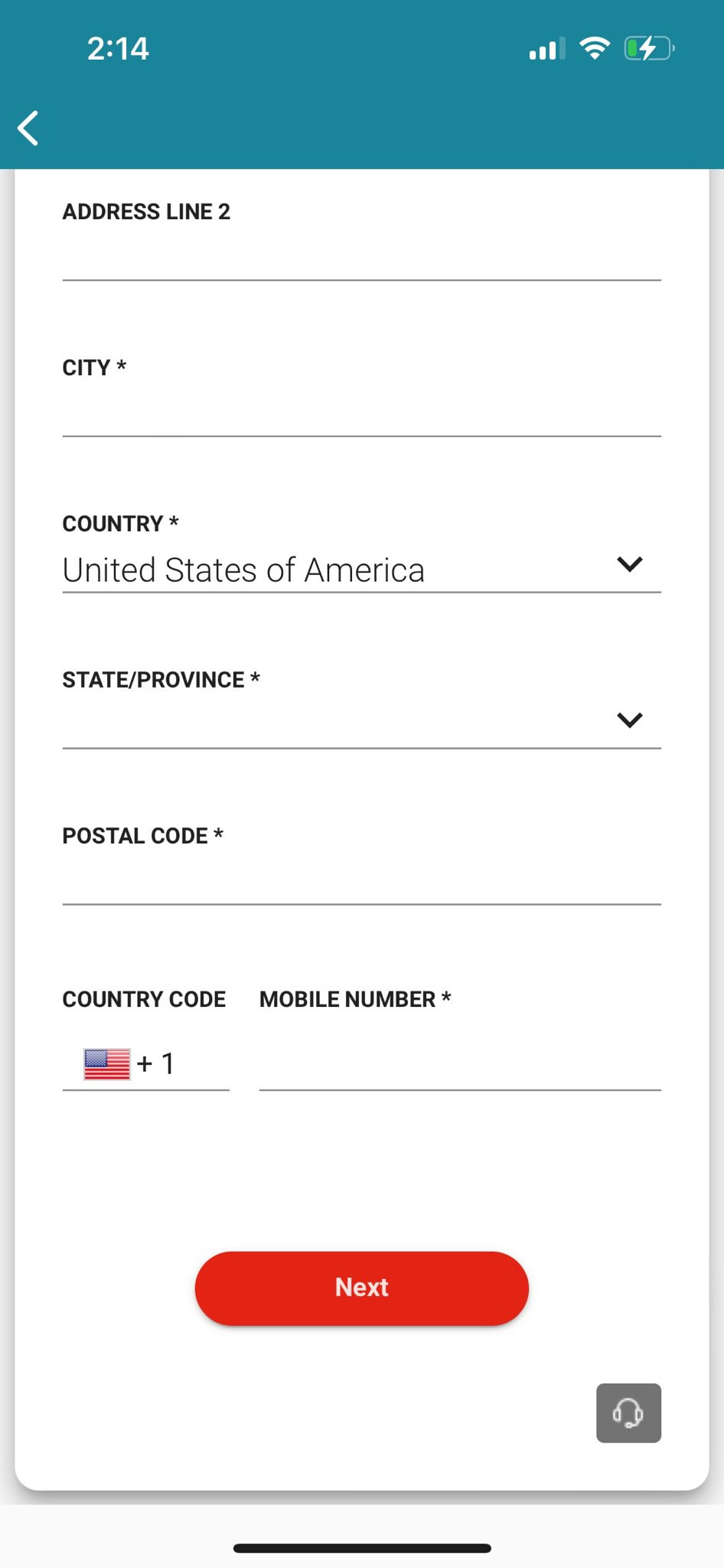
- Step 6e: Provide your Personal Information and click Next
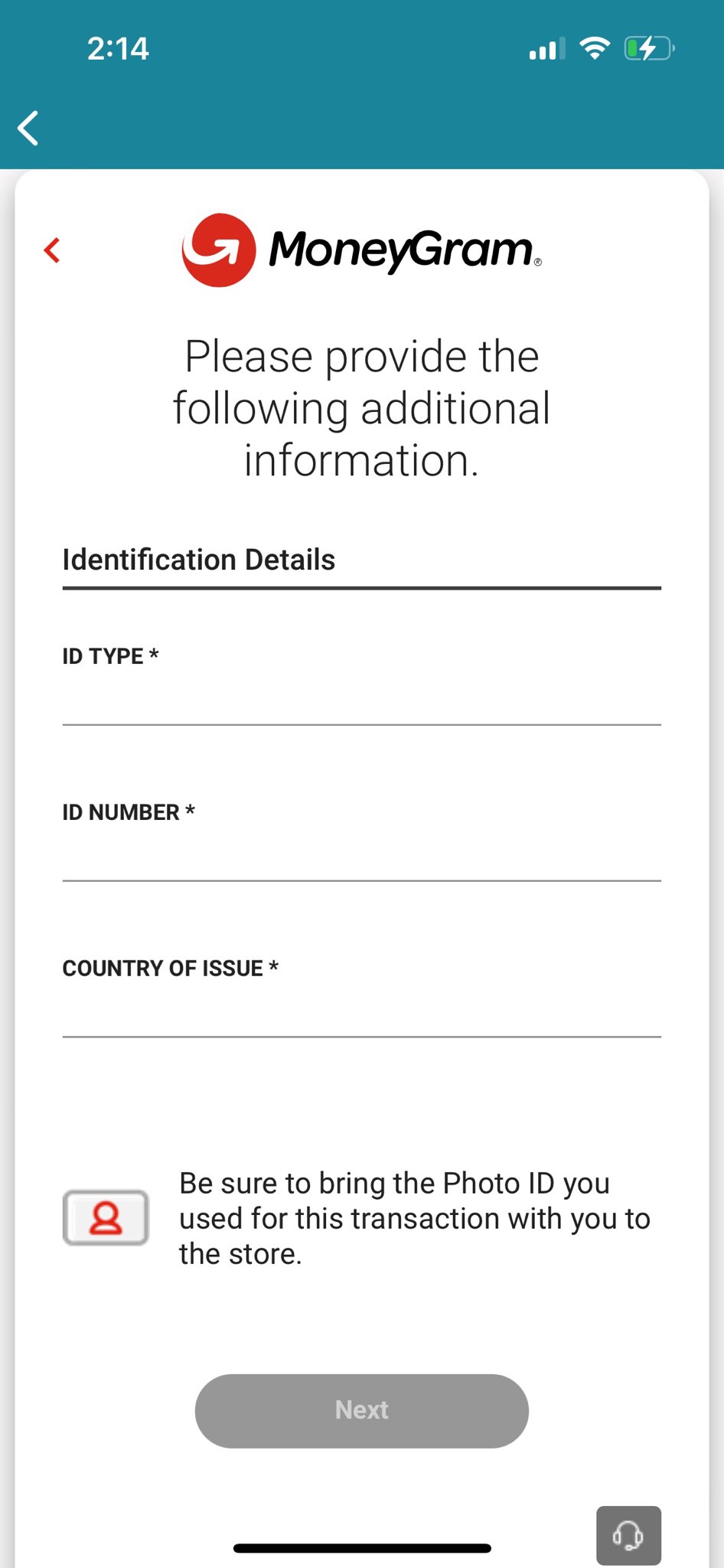
- Step 6f: Provide your Identification Details and click Next.
- Step 6g: Then you'll chose a location where you would like to withdraw your money. And that's it, you may now collect your money from that location